Control and Evaluate Every
Business Activity with Kasir Pintar Report
Kasir Pintar Pro provides complete reports specifically for business people
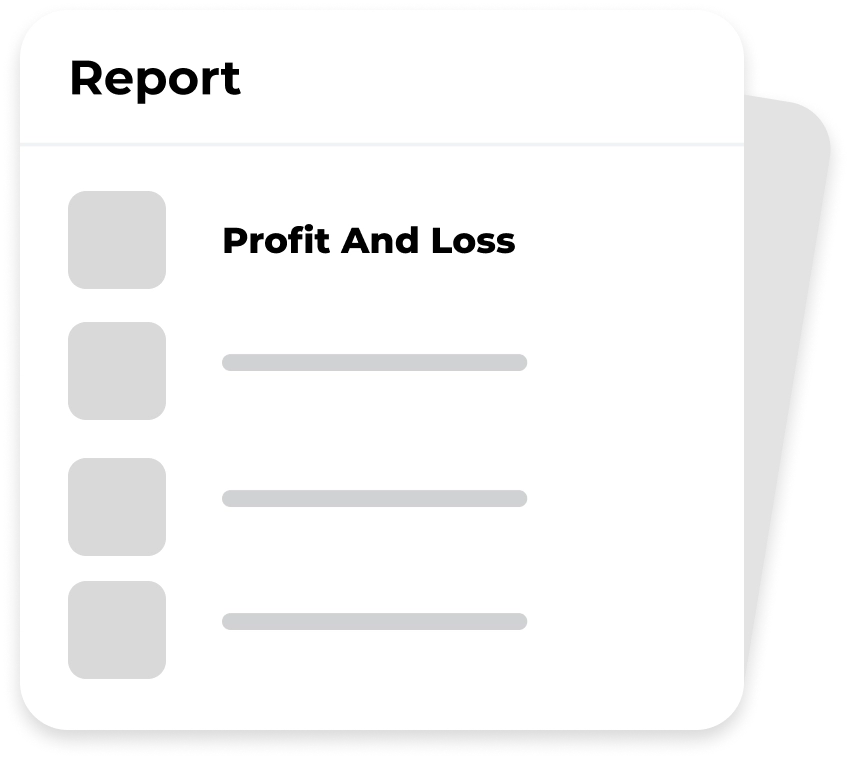
Access Full Report in Application and Back office
Learn the full report in the application to make it easier, but if you need more complete report details, you can visit the back office with log in the website.
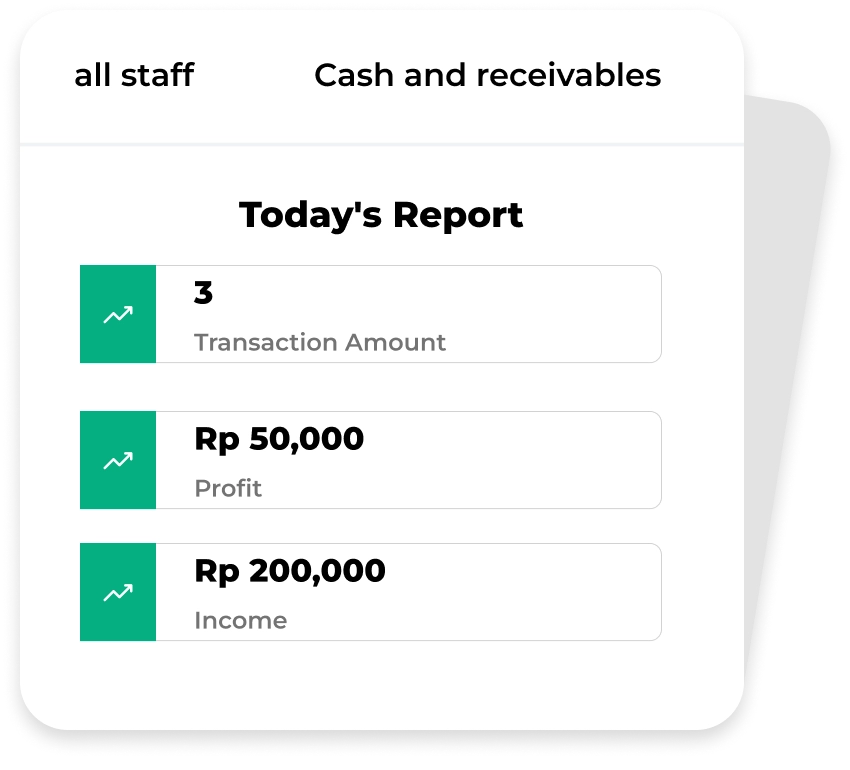
Sales Report
Super complete sales report which is easy to learn and can be accessed anywhere and anytime.
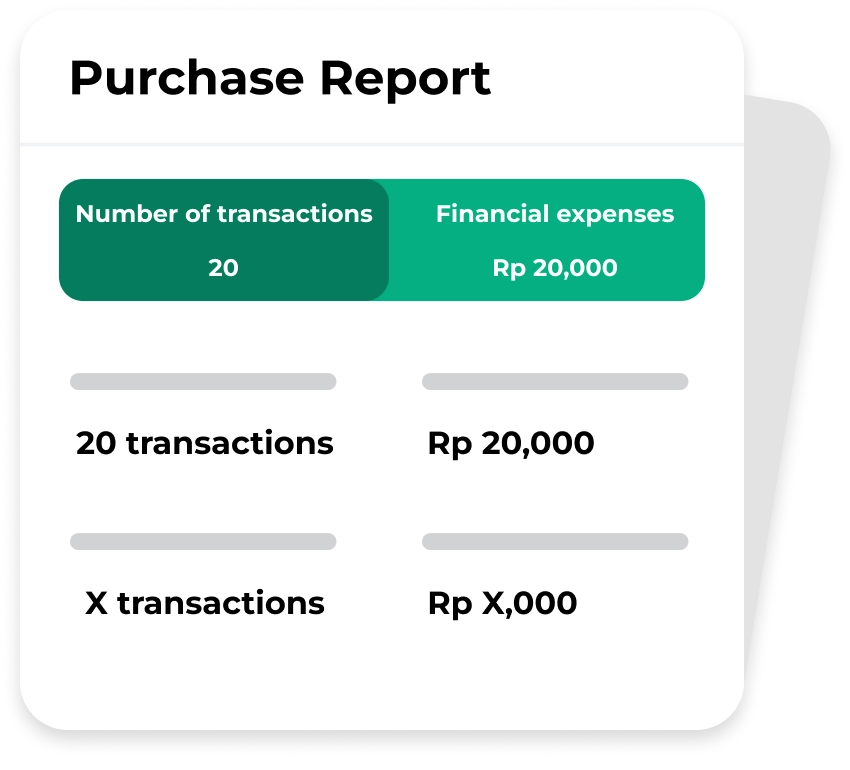
Purchase Report
Monitoring reports on purchases of goods. The Purchase report feature is able to match the number and price of items purchased.
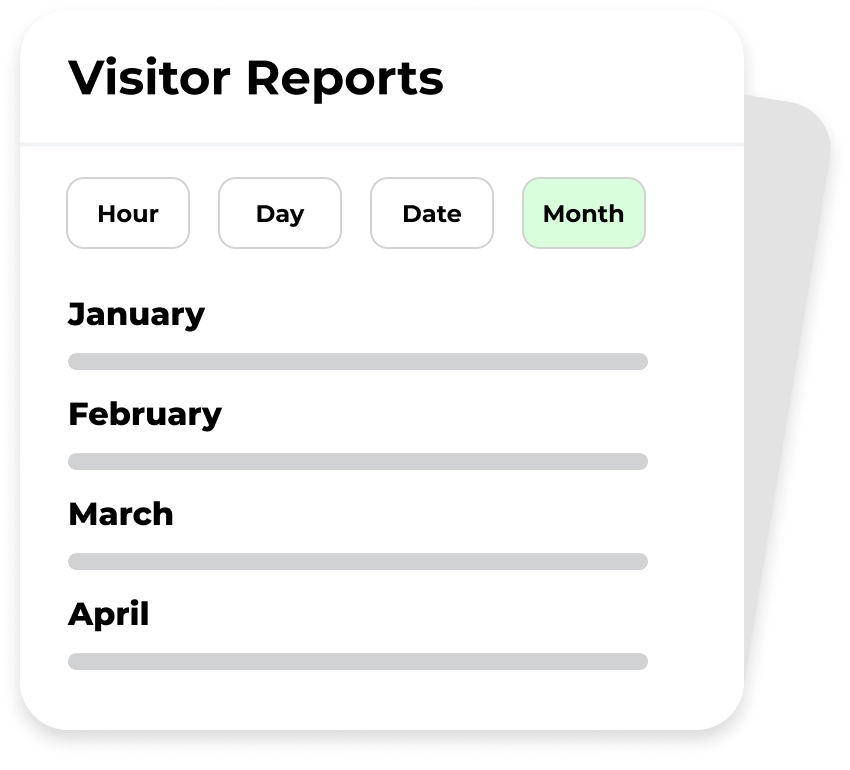
Visitor Report
The visitor report can show the best days and times when a visitor or customer came. This report feature can help owners make more effective operational decisions.
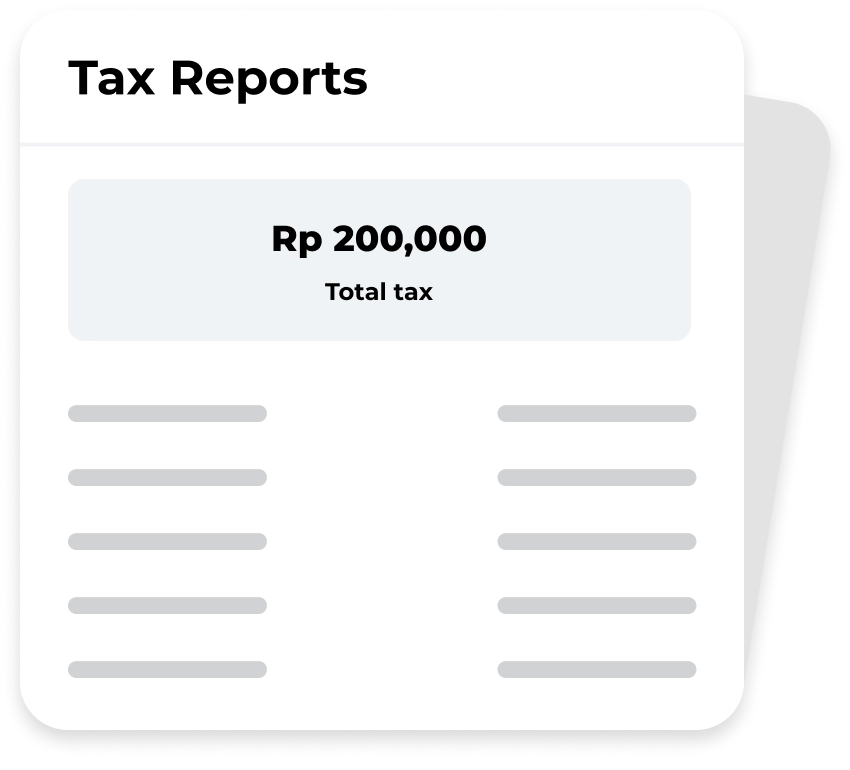
Tax Report
It is easier to calculate all taxes from each sales transaction automatically. So that the business owners are able to report taxes every month easily and on time
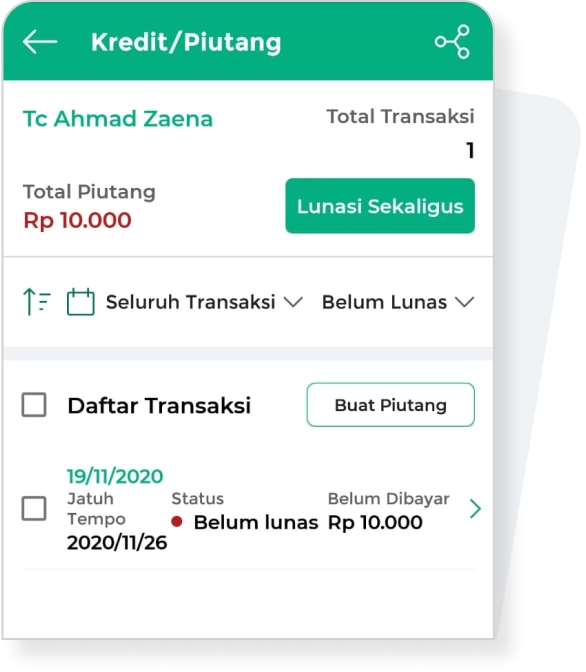
Report of Accounts Payable and Receivable
Know the correct nominal amount of business debt and receivables through reports. Determine which details of payables and receivables must be completed so that business operations continue.
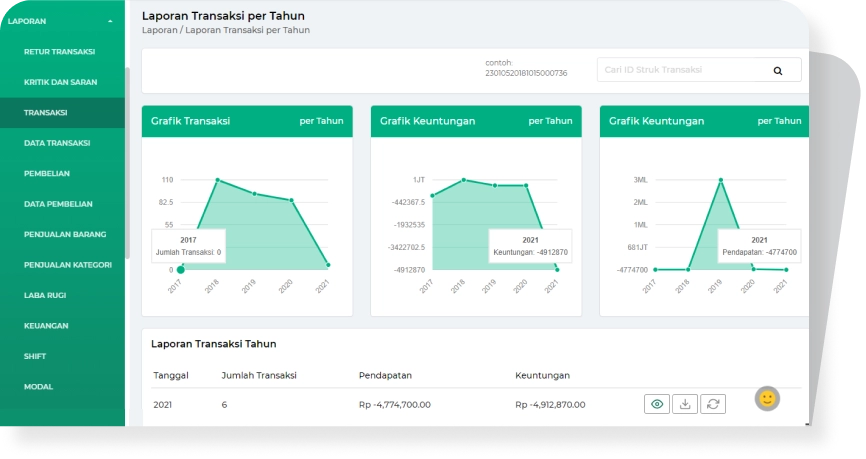
Other Full Reports
There are still many types of reports that you can use to gain insight from business performance. Find the type of report in the application or backoffice that suits your business needs

Start Business
With Kasir Pintar
Run a business automatically with the Kasir Pintar Application and Free Trial for
30 Days without conditions

Kasir Pintar
Other Products
Office Surabaya
Head Office: Jl. Dr. Ir. H. Soekarno No.19, Medokan Semampir, Kota Surabaya
Office Malang
Branch Office: Jl. Papa Biru No.80, Tulusrejo, Kec. Lowokwaru, Kota Malang, Jawa Timur 65141
Info Kasir Pintar via AI